
Dive into the Evolution of BMW's iDrive System: From CCC to iDrive 8.0
Since its introduction in 2001 on the 7 Series (E65), BMW's iDrive system has undergone significant evolution, passing through several generations to meet the growing demands of drivers for connectivity, user-friendliness, and performance. Each of these generations, from CCC to iDrive 8.0, has brought notable improvements, both in hardware and software.
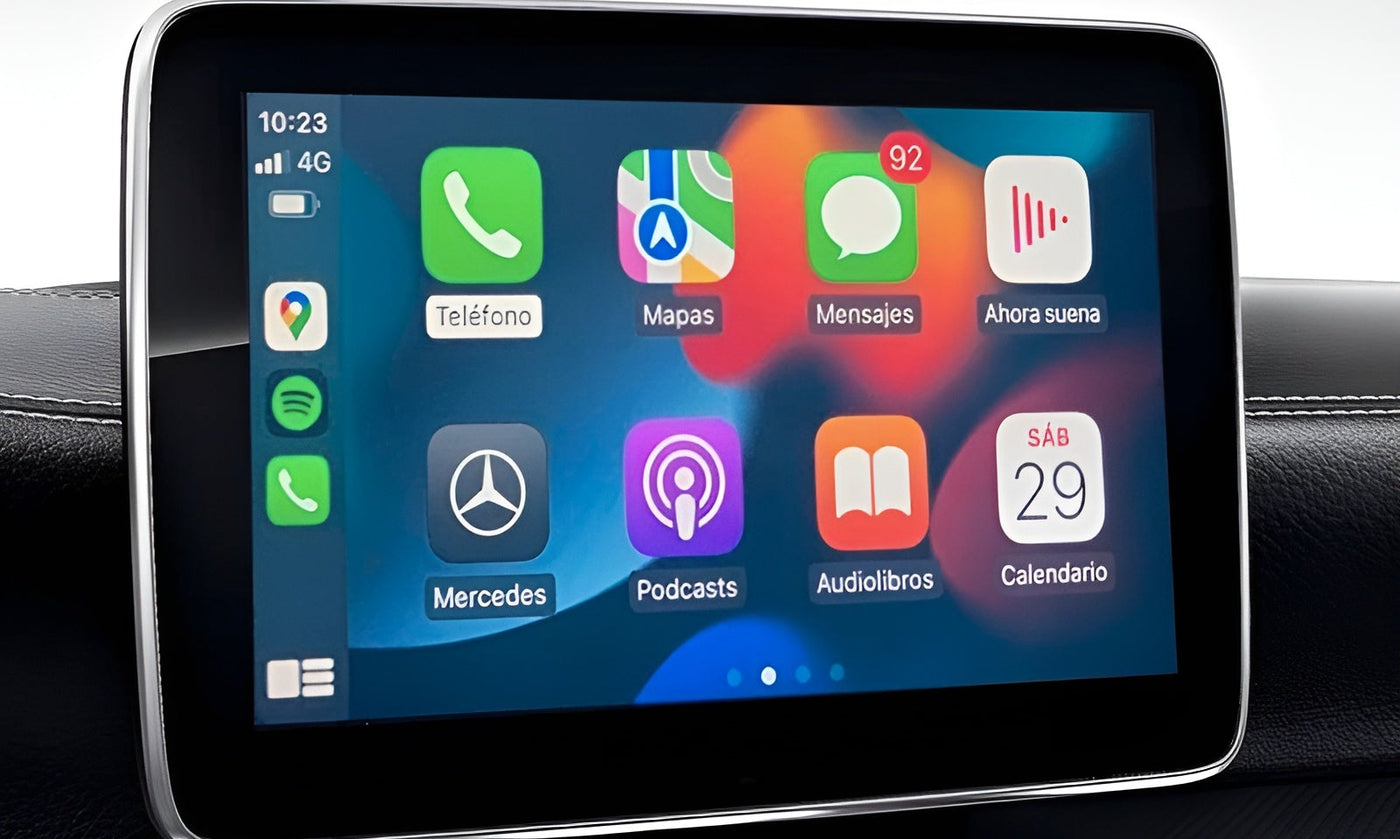
Today, many BMWs come standard with Apple CarPlay and Android Auto. To transition your system to wireless mode, we recommend our wireless Apple CarPlay/Android Auto adapter for BMW.
FAQs
How to identify my iDrive version ?
iDrive versions are easily identifyable through their homescreens. Check our article to find yours.
Why is there multiple iDrive versions?
BMW are always updating their cars with the latest technology, including the infotainment system. Multimedia system often evolve between Life Cycle Impulses.
My car is not equipped with Carplay from factory, how can I install it?
We offer easy-to-install Carplay modules on our store, no coding required. Check out below if your model is compatible.
However, if your BMW was not equipped from the factory with smartphone integration, you can check out our Carplay/AndroidAuto modules for sale on our shop.

Image from mca.electricmura.ro
1. CCC (Car Communication Computer)

Introduction Period: 2003
Models: 1 Series (E81/E82/E87/E88), 3 Series (E90/E91/E92/E93), 5 Series (E60/E61), 6 Series (E63/E64), X5 (E70), X6 (E72)
The CCC marked the beginning of the iDrive era. Launched in 2003, it offered an 8.8-inch LCD screen and used DVDs to store map data. Its use of the real-time operating system Wind River VxWorks laid the groundwork for what would become a revolutionary centralized control system. Minor updates, such as CCC - Update 1 and CCC - Update 2, brought incremental improvements.
2. CIC (Car Information Computer)

Introduction Period: 2008
Models: 1 Series (E81/E82/E87/E88), 3 Series (E90/E91/E92/E93), 5 Series (E60/E61), 6 Series (E63/E64), 7 Series (F01/F02/F03/F04), X1 (E84), X3 (F25), X5 (E70), X6 (E71), Z4 (E89)
The CIC, launched in 2008, brought substantial improvements, including higher screen resolution and increased responsiveness. Internet support and the use of internal hard drives for data storage opened up new possibilities, marking a significant step forward in iDrive evolution.
3. NBT (Next Big Thing)

Introduction Period: 2012
Models: 1 Series (F20/F21), 2 Series (F22/F23), 3 Series (F30/F31), 4 Series (F32/F33/F36), 5 Series (F07/F10/F11), 6 Series (F06/F12/F13), 7 Series (F01/F02/F03), X3 (F25), X4 (F26), X5 (F15/F85), X6 (F16/F86), i3, i8
The NBT continued iDrive's ascent with an even larger screen and increased storage capacity. The introduction of handwriting recognition and gesture controls added an intuitive interaction dimension, reinforcing BMW's commitment to innovation in the driving experience.
4. NBT EVO (Evolution)

Introduction Period: 2016
Models: 1 Series (F20/F21), 2 Series (F22/F23), 3 Series (F30/F31), 4 Series (F32/F33/F36), 5 Series (G30), 6 Series (F06/F12/F13), 7 Series (G12), X1 (F48), X2 (F39), X3 (G01), X4 (G02), X5 (G05), X6 (G06), i3 (ID6.0), i8 (ID6.0)
The NBT EVO, introduced in 2016, brought significant changes to iDrive's operational logic. The introduction of touch interaction and improved connectivity with Connected Drive services propelled the system to new levels of user-friendliness.
5. iDrive 7.0

Introduction Period: 2018
Models: 1 Series (F40), 2 Series (F44), 3 Series (G20), 4 Series (G22), 5 Series (G30), 6 Series (G32), 7 Series (G11), 8 Series (G15), X3 (G01), iX3 (G08), X4 (G02), X5 (G05), X6 (G06), X7 (G07), Z4 (G29)
iDrive 7.0 introduced the Live Cockpit Plus and Live Cockpit Professional configurations, offering modern digital screens and advanced connectivity. These innovations strengthened iDrive's position as a reference system in the automotive infotainment field.
6. iDrive 8.0

Introduction Period: 2021
Models: 2 Series Active Tourer (U06), 2 Series Coupé (G42) (after summer 2022), 3 Series (G20 facelift), 7 Series (G70), iX1, i4, iX, XM, X1 (U11), X5 (G05 facelift), X6 (G06 facelift), X7 (G07 facelift)
iDrive 8.0, unveiled in 2021, features the BMW Curved Display, marking an aesthetic revolution. In addition to its modernized design, it offers advanced infotainment features, representing the pinnacle of iDrive evolution.
Each iteration of BMW's iDrive system represents a chapter in the constant evolution of connectivity and user-friendliness in onboard systems. With the advent of iDrive 9 based on Android Auto OS, BMW continues to set industry standards in technology and driving experience.
To enhance your BMW, we recommend visiting the BMW section of our online store.
Below is a ready-to-use FAQ section tailored for your article “All versions of BMW iDrive explained: CCC, CIC, NBT, 7.0 and 8.0”. The content is written for SEO performance, technical accuracy, and buyer reassurance.
FAQ – BMW iDrive systems explained
What is BMW iDrive?
BMW iDrive is the multimedia and vehicle management system used across BMW vehicles. It controls navigation, Bluetooth, media, vehicle settings, driving modes, and on newer versions integrates Apple CarPlay, Android Auto and connected services. Each generation (CCC, CIC, NBT, iDrive 7, iDrive 8) corresponds to a different hardware and software platform.
How do I know which BMW iDrive version my car has?
You can identify your iDrive version using:
-
The year of production
-
The screen interface layout
-
The main menu design
-
Your vehicle’s VIN decoder
-
The head unit type (CCC, CIC, NBT, EVO)
This is critical before purchasing CarPlay modules, maps or retrofit accessories.
What is BMW iDrive CCC?
CCC (Car Communication Computer) is the first BMW iDrive generation used between 2003 and 2008. It has:
-
Slow interface
-
DVD-based navigation
-
No Bluetooth audio streaming
-
No CarPlay or Android Auto compatibility
It is considered obsolete and not upgrade-friendly.
What is BMW iDrive CIC?
CIC (Car Information Computer) replaced CCC around 2009–2012. It offers:
-
Faster interface
-
HDD-based navigation
-
Improved screen resolution
-
Bluetooth audio on some models
However, CIC does not support native CarPlay and requires an external module.
What is BMW iDrive NBT?
NBT (Next Big Thing) appeared around 2013–2016. It introduced:
- High-resolution interface
- Integrated Bluetooth audio
- Touch controller on later models
- Support for external CarPlay retrofit modules
-BT is one of the most popular platforms for CarPlay upgrades.
What is BMW iDrive 7?
iDrive 7 (NBT EVO) is used on most BMWs from 2019. It includes:
- Fully digital cockpit
- Native wireless Apple CarPlay
- Android Auto on recent updates
- OTA updates
- Voice assistant and connected services
It is compatible with most BMW accessories and software enhancements.
What is BMW iDrive 8?
iDrive 8 is BMW’s newest generation, introduced in 2021. It features:
- Curved widescreen display
- Completely redesigned interface
- Deep integration with vehicle systems
- Cloud-based updates
- Strong ecosystem for future BMW models
Some retrofit accessories are not compatible due to heavy software security.
Can I install Apple CarPlay on all BMW iDrive versions?
No.
| iDrive version | CarPlay support |
|---|---|
| CCC | ❌ Not compatible |
| CIC | ⚠️ Only with external module |
| NBT | ✅ Via retrofit module |
| iDrive 7 | ✅ Native |
| iDrive 8 | ✅ Native |
Which iDrive version is the best for retrofitting accessories?
NBT and iDrive 7 are currently the best platforms for upgrades such as CarPlay modules, screen upgrades, and multimedia enhancements.
Does BMW iDrive affect Start & Stop modules compatibility?
Yes. iDrive generation determines the communication architecture (FEM / BDC / gateway type). Using the wrong module for your iDrive system may cause non-functioning accessories or error codes.
Can I upgrade my iDrive version?
Hardware upgrades between generations are generally not cost-effective. For example, converting CCC to NBT requires full wiring, screen, controller, gateway and ECU replacement.
Most users prefer external modules to extend functionality instead.
Why is identifying iDrive version critical before buying accessories?
Each iDrive generation uses different protocols, connectors and security layers. Purchasing an incompatible accessory leads to:
-
Installation failure
-
Error messages
-
Loss of functions
-
Voided return eligibility
Always verify your iDrive version before ordering any BMW multimedia product.